Getting Started with Symbol Creator AI
4. Choose a style
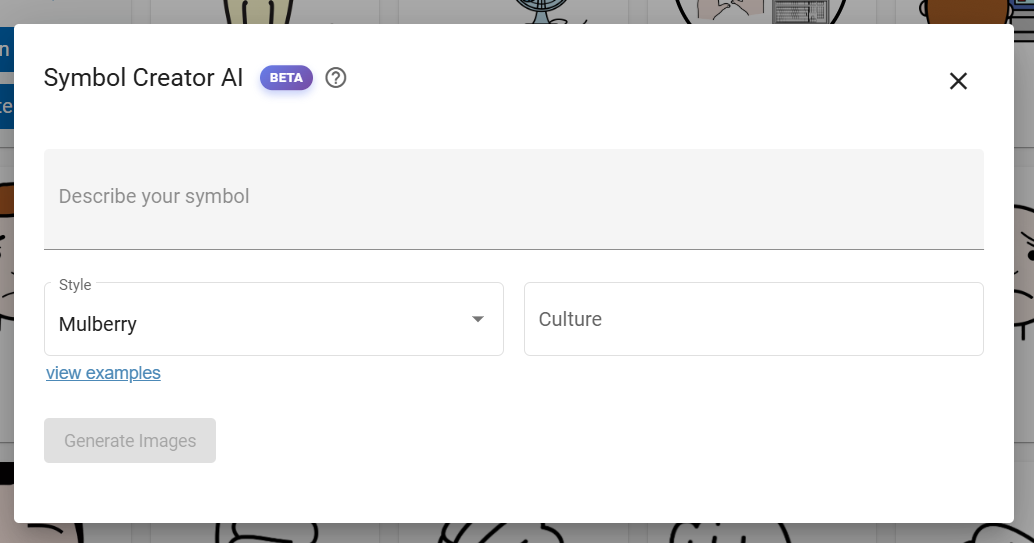
Using a consistent style for all your symbols helps people to understand them more quickly, particularly when using boards for communication. We have a range of styles to match existing open-source symbol set, including:
- Arassac
- Mulberry
- Dyvogra
- Jellow
You can select view examples if you would like to see the existing symbols using those styles.
These will create symbols using styles that match thousands of existing symbols that are available on our website, including through Board Builder.
Global Symbols will continue to add more styles in the future.
Select a symbol set from the drop-down list below your text prompt.
Tip: If your symbols are not appearing as you would like it is worth trying alternative styles, even if they do not fit the style of your other symbols.