Getting Started with Symbol Creator AI
8. Saving and editing
Most symbols should be transparent, allowing you to add them on boards or other materials that have consistent or custom background colours.
Choose Remove Background to try removing the background. If the background does not remove fully, or takes out important features, then choose Undo Remove Background - it is possible to use other tools such as remove.bg to remove the background later on.
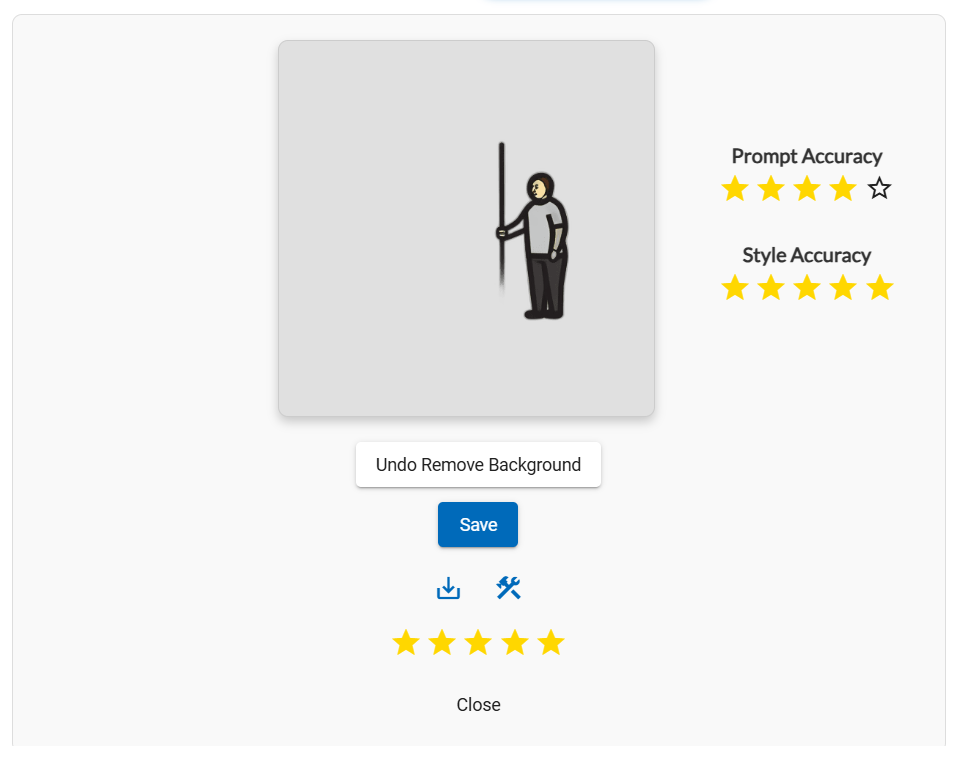
In this example the Remove Background option has removed the field in the foreground.
If you want to edit the symbol manually then choose the Send to Designer icon. This allows you to draw shapes and arrows, resize the symbol, and even add existing symbols from our symbol sets or your My Symbols collection.
Choosing Save will save the symbol to your My Symbols collection.
You can also choose the Save to Device icon to directly download the symbol to your device. You can always later download individual symbols from your My Symbols collection.